
In December, Zimbra 10.1.22 adds 27 African languages to the Modern UI. Customers who upgrade to 10.1.22 will be able to offer their people the Modern UI in the language they actually use.
Interested in Zimbra 10.1.22? Register your interest now, and we will keep you updated at the time of the release.
Register InterestThe 27 languages
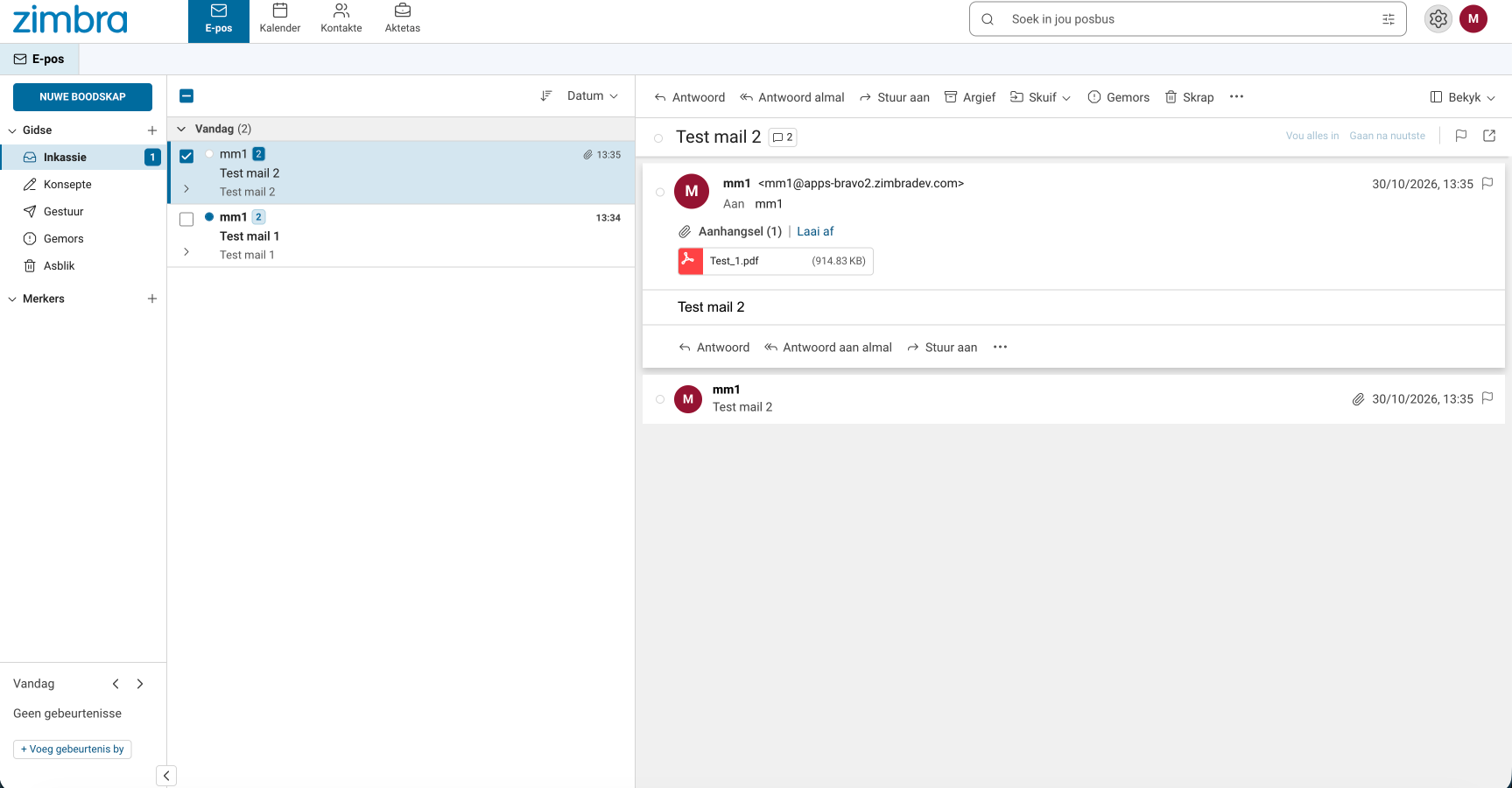
Language is part of digital sovereignty
Digital sovereignty is usually about where data lives and who holds the keys. It is also about whether the people using the system can work in their own language.
Governments, public sector bodies and state corporations are facing growing demand for national language support and for indigenous language access to public infrastructure. A platform that offers native-language communications, and that you can run on your own terms, helps meet that demand and supports local digital sovereignty policies.
That is the combination Zimbra is built for: infrastructure you control, in languages your teams use.
Built for frontline and deskless workforce
A municipal clerk, a clinic nurse, a teacher, a field officer. These teams are the backbone of public services, and they work best in their primary national or regional language.
When the interface is in a language people already think in, there is less friction to get started and more of your workforce uses the tools you already run. That lowers the barrier to digital adoption where it matters most.
How it works
- For admins: configure the languages from the Admin console, at Class-of-Service (COS) or account level.
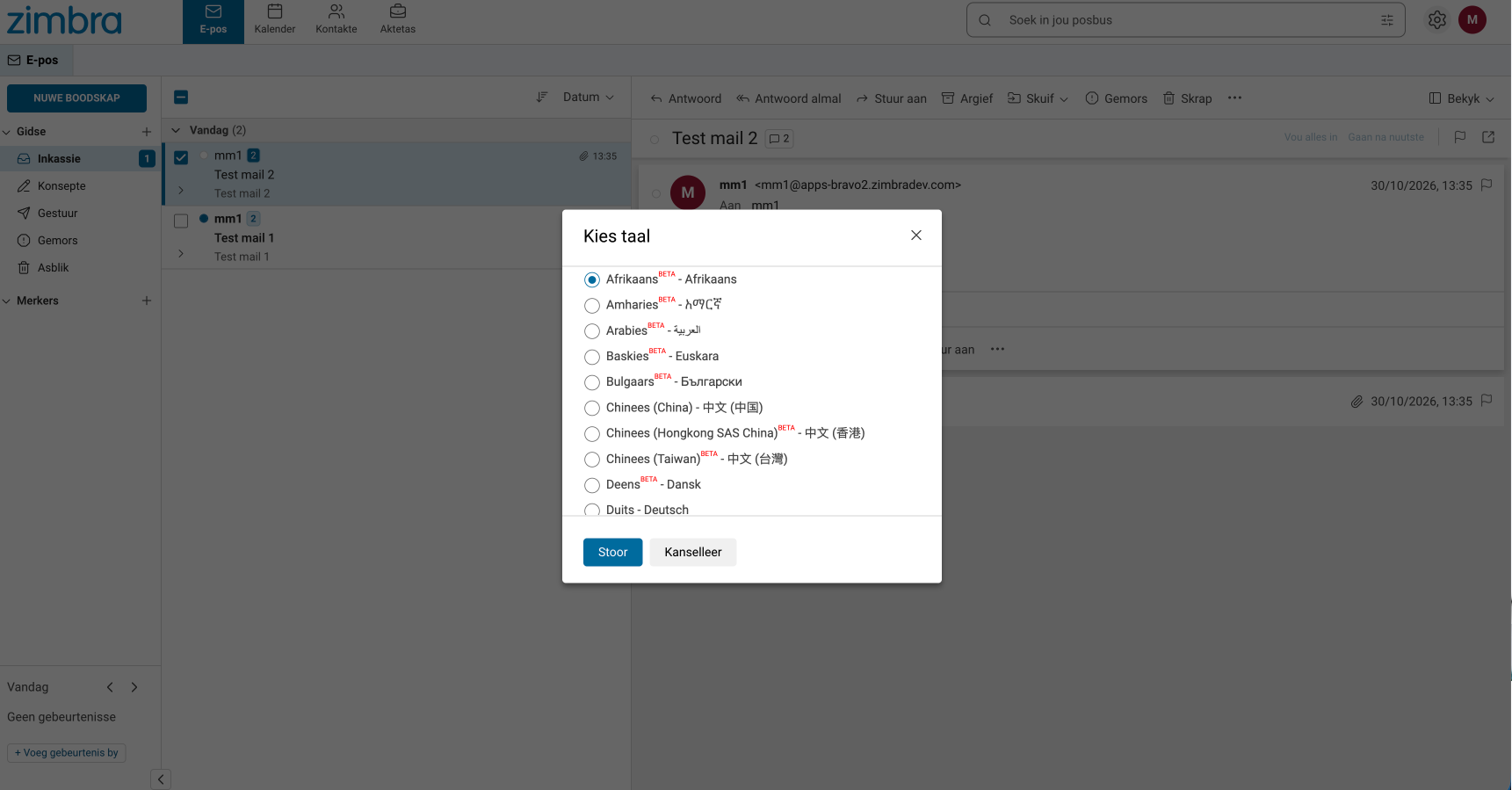
- For users: open the Modern UI, click the Settings gear, choose Language, and pick from the list.
FAQ
1. Which version includes the African languages? Zimbra 10.1.22, due December 2026. Customers need to upgrade to that version.
2. Do they work in the Classic Web Client? No. They are available only in the Modern UI.
3. How do we turn them on? Admins configure languages in the Admin console at COS or account level. Users select their language in the Modern UI under Settings, Language.
Meet us at Africa Tech Festival 17-19 November
Meet the Zimbra team at Africa Tech and talk to us about national language support, sovereignty and your upgrade path.
Request a meeting
No comments yet.